Book Writing
 Book Cover Design
 Book Editing
 Book Formatting
 Book Publishing
 Book Video Trailer
 Book Printing
 Audio Books
 Book Illustrations
 Author Website
 Amazon Page Optimization
 Book Marketing
 Fiction Writing
 Non-Fiction
 Autobiography
 Memoir
 Novel Writing
 Children's Book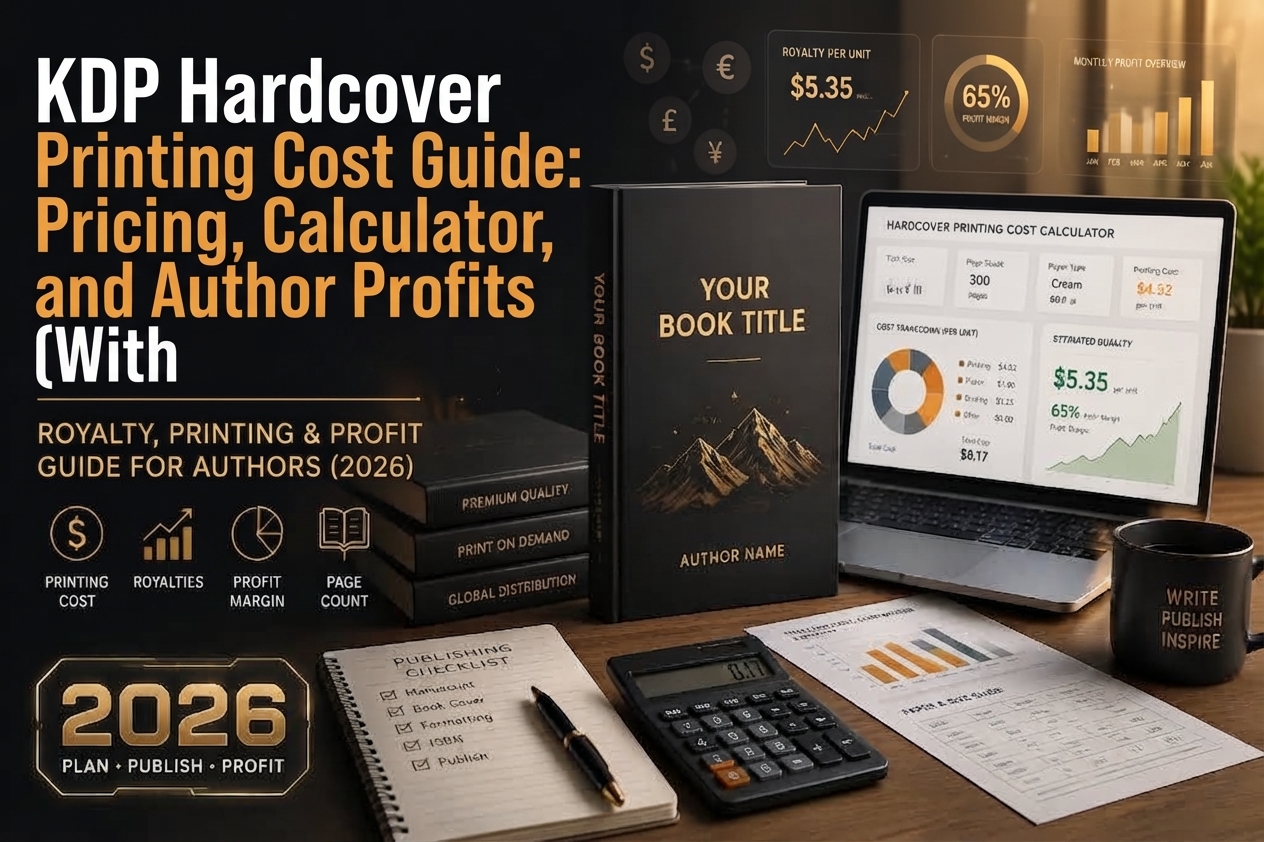
If you’ve been thinking about publishing a hardcover book through Amazon KDP, one of the first things you’re going to need to understand is how printing costs work. Because unlike traditional publishing where a publisher absorbs production expenses, with KDP you’re essentially running a print-on-demand business and the printing cost comes directly out of your royalties.
The good news? You don’t pay anything upfront. You don’t hold any inventory. When a reader buys your hardcover book on Amazon, KDP prints it, ships it, and subtracts the printing cost from what you earn. Simple in concept but the numbers can get a bit detailed depending on your book’s specs and which marketplace it sells on.
This guide walks you through everything you need to know from the printing cost formula to per-marketplace rates, ink type differences, minimum list prices, and how to use the royalty calculator to plan your pricing strategy before you hit publish.
How KDP Hardcover Printing Cost Actually Works
The way Amazon KDP calculates hardcover printing cost is actually pretty logical once you break it down. Every book has two cost components:
Fixed Cost
A flat base cost per book regardless of page count. This covers the hardcover binding, case laminate, and core production elements.
Per-Page Cost
A small cost multiplied by the total page count of your book. The more pages, the higher the printing cost.
Put them together and you get the total printing cost for your book. The official KDP formula looks like this:
The KDP Printing Cost Formula
Fixed Cost + (Page Count × Per-Page Cost) = Printing Cost
Real Example (300-page black ink, regular trim, US marketplace):
$5.65 + (300 × $0.012) = $9.25
So a 300-page black ink hardcover sold on Amazon.com costs $9.25 to print. This is deducted from your royalties automatically you never have to write a check or worry about a bill.
Black Ink vs. Premium Color Ink: What’s the Difference in Cost?
KDP offers two ink options for hardcover books: black ink and premium color ink. The ink type you choose has a major impact on your printing cost, especially for longer books because the per-page cost for color is significantly higher.
🖤 Black Ink Hardcover Rates
Note: Books with 75–108 pages only incur the fixed cost (no per-page charge).
| Marketplace | Regular Trim | Large Trim | ||
|---|---|---|---|---|
| Fixed Cost | Per Page | Fixed Cost | Per Page | |
| Pages 75–108 (Fixed cost only) | ||||
| Amazon.com (USD) | $6.80 | None | $7.49 | None |
| Amazon.co.uk (GBP) | £5.23 | None | £5.45 | None |
| Amazon EU (EUR) | €5.95 | None | €6.35 | None |
| Pages 110–550 (Fixed + per-page cost) | ||||
| Amazon.com (USD) | $5.65 | $0.012 | $5.65 | $0.017 |
| Amazon.co.uk (GBP) | £4.15 | £0.010 | £4.15 | £0.012 |
| Amazon EU (EUR) | €4.65 | €0.012 | €4.65 | €0.016 |
| Amazon.pl (PLN) | 20.34 zł | 0.056 zł | 20.34 zł | 0.075 zł |
| Amazon.se (SEK) | 48.49 kr | 0.134 kr | 48.49 kr | 0.179 kr |
🎨 Premium Color Ink Hardcover Rates
Applies to books with 75–550 pages. Both regular and large trim sizes available.
| Marketplace | Regular Trim | Large Trim | ||
|---|---|---|---|---|
| Fixed Cost | Per Page | Fixed Cost | Per Page | |
| Amazon.com (USD) | $5.65 | $0.065 | $5.65 | $0.080 |
| Amazon.co.uk (GBP) | £4.15 | £0.045 | £4.15 | £0.060 |
| Amazon EU (EUR) | €4.65 | €0.057 | €4.65 | €0.072 |
| Amazon.pl (PLN) | 21.78 zł | 0.267 zł | 21.78 zł | 0.337 zł |
| Amazon.se (SEK) | 51.91 kr | 0.636 kr | 51.91 kr | 0.804 kr |
⚠️ Color Ink Costs Add Up Fast
A 300-page premium color hardcover on Amazon.com would cost: $5.65 + (300 × $0.065) = $25.15 compared to just $9.25 for the same book in black ink. That’s nearly 3× more expensive. If color isn’t essential to your book, black ink saves a significant portion of your margin.
Regular Trim vs. Large Trim: Does Size Matter?
Yes, it does and this is something a lot of first-time authors miss. KDP classifies hardcover books into two trim categories, and the large trim format comes with a slightly higher per-page cost in most marketplaces.
📐 What counts as a “Large Trim”?
Any book that is more than 6.12 inches (155.5 mm) wide OR more than 9 inches (228.6 mm) tall. If your book fits within those dimensions, you’re on the regular trim pricing. If you go beyond either of those thresholds, the large trim rates apply.
For most novels, memoirs, and standard non-fiction books, a regular trim size is perfectly fine and it keeps your printing cost lower. Large trims are more common for illustrated books, coffee table books, art publications, and large-format how-to guides where the visual presentation is central to the reader experience.
On Amazon.com, for example, the black ink per-page cost jumps from $0.012 (regular) to $0.017 (large) for a 110–550 page book. On a 400-page book, that’s the difference between a $10.45 and $12.45 printing cost which in turn affects your minimum list price and the royalty you take home.
Understanding the Minimum Hardcover List Price
Here’s something important to understand: KDP won’t let you price your hardcover so low that your printing cost exceeds your royalties. The platform enforces a minimum list price, calculated to ensure you at least break even on the printing.
The minimum list price is determined by dividing the printing cost by the applicable royalty rate. KDP offers two royalty rates for hardcovers depending on your list price:
Scenario 1 — 60% Royalty
Printing Cost ÷ 0.60 = Min. List Price
When your price falls in the higher range where the 60% rate applies, you need a lower minimum price to cover your printing cost.
Scenario 2 — 50% Royalty
Printing Cost ÷ 0.50 = Min. List Price
At the 50% royalty rate range, you’ll need to charge more to cover the same printing cost since you’re keeping less of each sale.
Let’s walk through a quick real-world example. Suppose your 300-page black ink regular-trim hardcover on Amazon.com has a printing cost of $9.25. If your list price qualifies for the 60% royalty rate:
$9.25 ÷ 0.60 = $15.42 minimum list price
You’d need to price your book at least $15.42 to ensure your royalty covers the printing cost. KDP automatically enforces this you simply won’t be able to save a price lower than the system’s calculated minimum.
Maximum Hardcover List Price by Marketplace
On the other end of the spectrum, KDP also sets a ceiling on how high you can price your hardcover. These limits exist per marketplace, and they’re quite generous giving you plenty of room to price premium or specialty titles accordingly.
| Marketplace | Maximum List Price |
|---|---|
| Amazon.com | $250 USD |
| Amazon.co.uk | £250 GBP |
| Amazon.de / .es / .fr / .it / .nl / .ie / .com.be | €250 EUR |
| Amazon.pl | 1,200 PLN |
| Amazon.se | 2,500 SEK |
These ceilings are the same across most major markets, giving hardcover publishers in the US, UK, and Europe plenty of flexibility to price premium editions, collector’s books, or specialty titles at a level that reflects their value.
Setting and Managing Your List Prices Across Marketplaces
One of the most practical and sometimes confusing aspects of KDP pricing is managing your list price across different international marketplaces. Here’s how it works:
You can set individual list prices for each marketplace, or you can let KDP automatically calculate prices for your secondary markets based on your primary marketplace price. This automatic conversion uses current exchange rates and ensures your secondary marketplace prices stay within the valid range.
⚡ Important: Manual Prices Are Not Auto-Updated
If you manually set a list price in a non-primary marketplace, changing your primary marketplace price will not automatically update the manually set prices. You’d need to go in and update each one yourself. If you want all marketplaces to stay in sync, let KDP handle the conversions automatically.
Keep in mind that every marketplace has its own minimum list price based on that marketplace’s printing cost (which varies by currency). What’s above the minimum in USD may be below the minimum in EUR so always double-check your prices using the KDP Printing Cost and Royalty Calculator before finalizing your setup.
Using the KDP Royalty Calculator: Your Best Friend as a Publisher
Rather than doing all this math manually every time you publish, KDP provides a free Printing Cost & Royalty Calculator that handles all of this for you. You plug in your book’s specifications trim size, page count, ink type and the marketplace, and it instantly tells you your printing cost, minimum list price, and expected royalty at any given price point.
Pro Tip
Always run your numbers through the KDP calculator before you publish not after. It takes two minutes and could save you from unknowingly pricing your book below what it’s profitable.
The calculator is particularly useful when you’re comparing how a price change might affect royalties across different marketplaces, or when you’re trying to find the sweet spot between competitive pricing and a margin that actually makes sense for your work.
Practical Tips for Managing Your Hardcover Printing Costs
1. Keep pages within the 110–550 range
Books under 75 pages aren’t eligible, and ultra-short books (75–108 pages) get a higher fixed cost with no per-page charge. The best printing efficiency usually comes in the 110–400 page range.
2. Choose black ink unless color is essential
The per-page cost of premium color is roughly 5× that of black ink on Amazon.com ($0.065 vs. $0.012). For novels, memoirs, business books, and most non-fiction — black ink looks great and keeps your margins healthy.
3. Stick to regular trim if possible
Unless your content genuinely requires a larger format (art books, illustrated guides), a regular trim size keeps your per-page costs down and gives you a lower minimum list price to work with.
4. Consider marketplace-specific pricing
Don’t just set one price and let KDP auto-convert. Spend a few minutes reviewing prices in key international markets the minimum list price in EUR or GBP may push your effective price higher than you realize.
5. Price for the 60% royalty tier when possible
Understanding which price points qualify for the 60% royalty rate (vs. 50%) can meaningfully increase your earnings over time. Check the KDP Hardcover Royalty page for specific thresholds per marketplace.
Final Thoughts: Printing Cost Is Manageable If You Plan Ahead
KDP’s hardcover printing model is genuinely author-friendly you take on no upfront risk, no warehouse costs, no inventory management. Every book is printed exactly when a customer orders it, which means the whole system runs itself once you set it up.
But that doesn’t mean printing cost is something you can ignore. Your trim size, page count, ink choice, and target marketplace all feed into a number that directly impacts how much you earn on every sale. The difference between a thoughtful pricing strategy and a hasty one can easily be several dollars per book and across hundreds or thousands of sales, that adds up fast.
Take the time to understand your numbers before you publish. Use the royalty calculator. Compare your ink options. Check your minimum list price across markets. And remember publishing a hardcover through KDP is an exciting milestone, and getting the pricing right from day one means you can focus on what matters most: getting your book into readers’ hands.
Ready to Calculate Your Hardcover Printing Cost?
Head over to the official KDP help page for the most up-to-date rates and to access the Royalty Calculator directly.